> For the complete documentation index, see [llms.txt](https://wiki.lilacmc.net/llms.txt). Markdown versions of documentation pages are available by appending `.md` to page URLs; this page is available as [Markdown](https://wiki.lilacmc.net/features/emerald-shores/pizzeria.md).
# Pizzeria
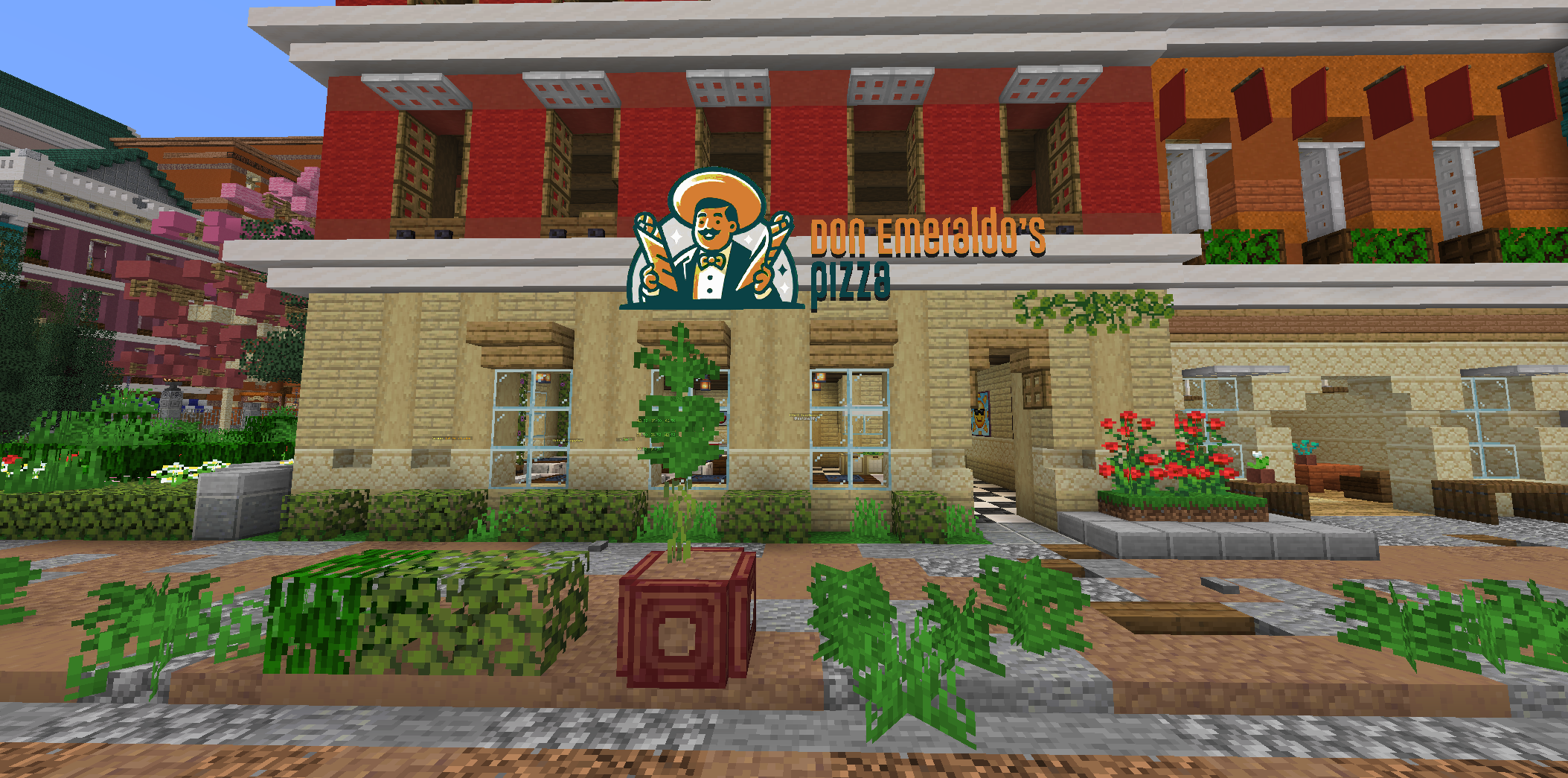
A brand-new pizza chain owned by the infamous Don Emeraldo chose the main boulevard of the Emerald Shores island as its first location. The locals are obviously excited, this being the only pizza place on the island, and Chef Garbanzo is struggling to keep up. It's up to you to help him meet the demand.
You can help Chef Garbanzo by either making pizza for the walk-in customers or by going out for deliveries on one of the trusty Delivery Donkeys provided by the company. You will also need your donkey to do supply runs when ingredients run low.
Earn exclusive badges and upgrade the speed and capacity of your Delivery Donkey by completing pizzeria tasks!
### Making Pizzas:
To make a pizza, you will first need a rolling pin and a pizza paddle, found in the kitchen.
1. Get dough from the pantry and place it on one of the counters.
2. Right-click the dough with a rolling pin to flatten it.
3. Get the ingredients you need from the pantry and right-click the pizza to place them. Sauce, cheese, or whatever toppings the order needs.
4. Once the pizza is assembled, right-click it with a pizza paddle and place it inside the oven, then wait for it to cook completely (the color of the pizza will change and you will hear a "ding" sound). Cooking a pizza for too long will burn it.
5. Take it out with the paddle and place it in a pizza box if the order is for a walk-in customer. If the order is for a delivery (shown on the monitors above the stations), you can place the pizza directly in the white square under the monitor, no box needed.
6. Your pizza is now complete!
You can submit cooked pizza to a customer (by right-clicking the walk-in NPC) or delivery calls (by right-clicking the square under the monitor.)
If you mess up at any point in the pizza making process, you can right-click the garbage can with your messed up pizza to dispose of it.
### Supply Runs:
Each ingredient in the pizzeria can and will run out. Each ingredient barrel can fit a maximum of 50 of each ingredient. Players will have to work together to make sure that the pizzeria has the required supplies.
Next to the employee entrance of the pizzeria, there is a button that spawns your Delivery Donkey. You need your Delivery Donkey to complete tasks outside the pizzeria. Whether it's for supply runs or doing delivery calls.
The supplies are separated into three depots located on the Emerald Shores island:
First one is also near the boulevard at **-209, -53, 177**. In this depot, you can get pizza dough, pizza sauce, and cheese!
The second one is right next to the Emerald Shores farm at **62, -37, 473**. In this depot, you can get the protein-based ingredients you need for toppings, such as ham, pepperoni, sausage and shrimp.
The third and last depot can be found at **-210, -30, 448** near the edge of the island. Here you can get the fresh produce that you will need for toppings, such as mushrooms, olives and peppers.
In order to get supply boxes, you need to place your donkey under the supply chute and press the button for the corresponding ingredient you will need. You only need to press the button once and the depot will send the boxes to your donkey.
Your donkey can hold hold a limited amount of supply boxes, but the amount can increase based on the pizzeria milestones you have completed.
### **Deliveries:**
Completing delivery orders will give you a pizza box with details on it. You need to deliver this pizza, using your **Delivery Donkey**, to the specified location and right-click the NPC in order to complete the delivery.
The delivery details will also be revealed in chat and a beacon will spawn above the NPC, making your delivery task much easier to accomplish! You will also see a compass with the direction of the NPC and how far it is located on your screen.
When you reach the destination, right-click the NPC with the Pizza in order to complete the delivery job and then you're done!
Remember: customers don't like waiting and they certainly don't like cold pizza. Make sure to prepare and deliver their orders on time and don't forget to wash your hands! Enjoy your time at Don Emeraldo's pizza! 🍕